Build a place to belong.
Connected homes, steady food, and purposeful streets turn a camp into a thriving city.
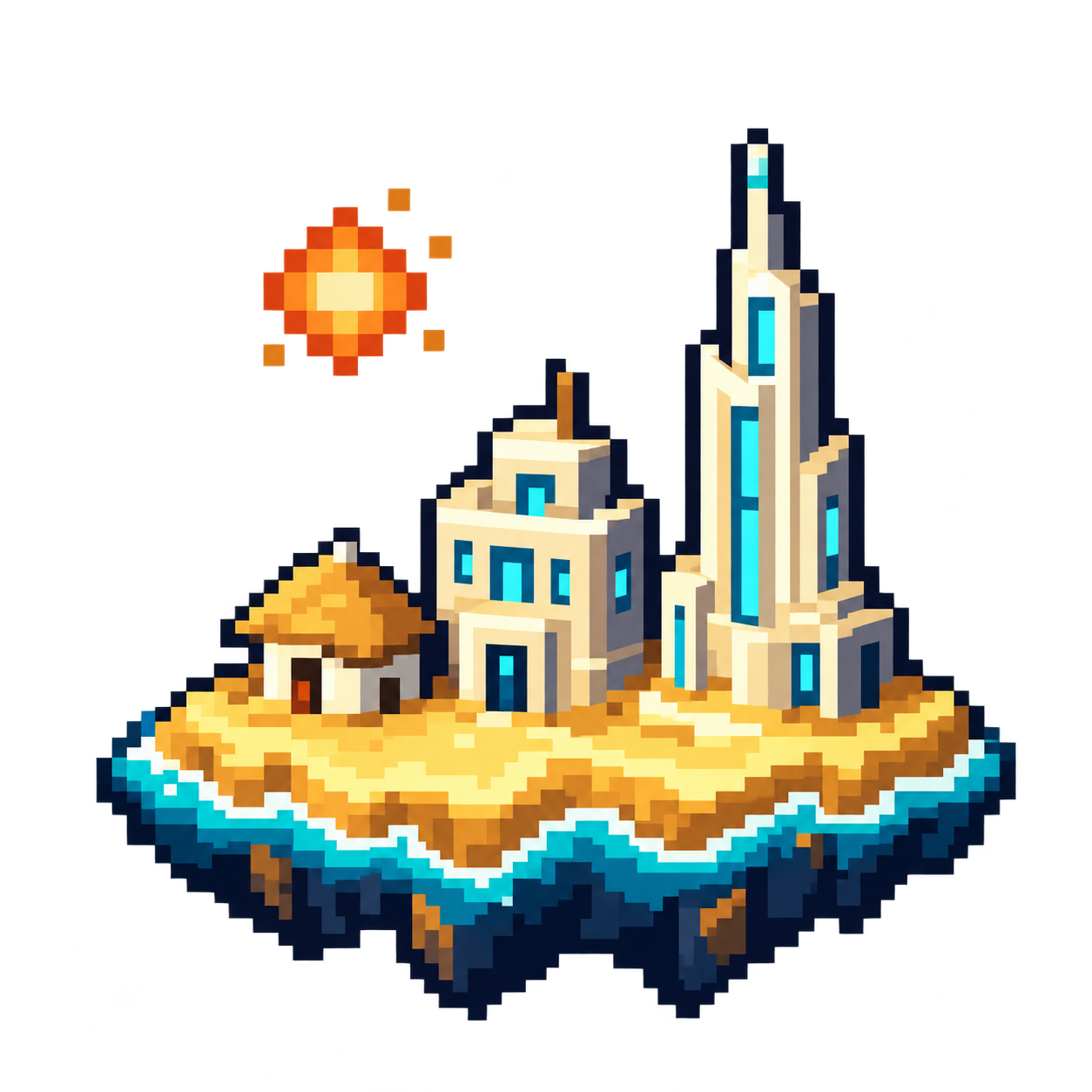 HEARTH TO
A CITY BUILDER ACROSS TIME
Start with six settlers. Shape your islands, connect your people, and build your way from the Stone Age to 2050.
Windows · Version 2.0.1 · 111.6 MB
The city you build tomorrow begins with the people you care for today.
Hearth to Horison is a city-building game about growing the same civilization through history. Begin in 10,000 BCE with six people, a small stock of supplies, and a hearth that will remain at the heart of your city.
Lay roads, raise homes, assign workers, and turn shared knowledge into progress. Your first shelters evolve into neighborhoods, your boats reach new islands, and your streets eventually fill with the hovering vehicles of 2050.
Start small. Think generations ahead.
Connected homes, steady food, and purposeful streets turn a camp into a thriving city.
Produce ideas, complete landmarks, and guide your people through seven chapters of history.
Settle new islands by sea and air. In 2050, prepare an expedition to Ironwood Reach.
Your original hearth endures. Buildings and roads evolve around it. Choose an era to see what comes next.
10,000 BCE · THE FIRST SPARK
Build shelter, secure food, and gather the materials your small community needs. The story circle turns shared experience into the first sparks of knowledge.
BUILD YOUR WORLDHide shelter · Forager garden · Timber camp · Stone quarry · Story circle
CHAPTER MILESTONES
Plus the era’s required landmark buildings.
Economic speed and active time are different: 2× and 3× speed up the economy, while construction, journeys, and era residence use active play time.
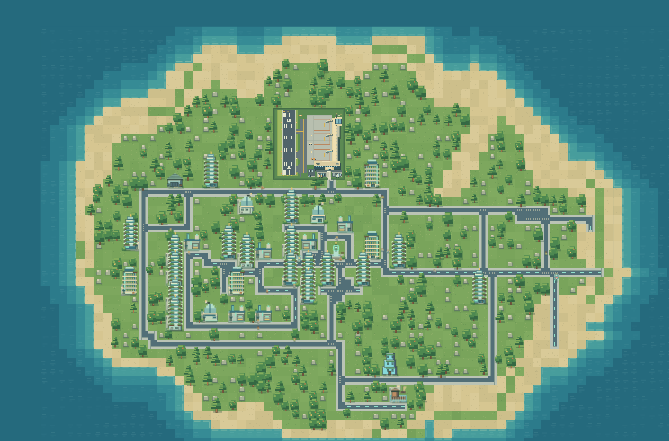
Three civilian islands. One distant frontier. Every crossing opens room for a new chapter.
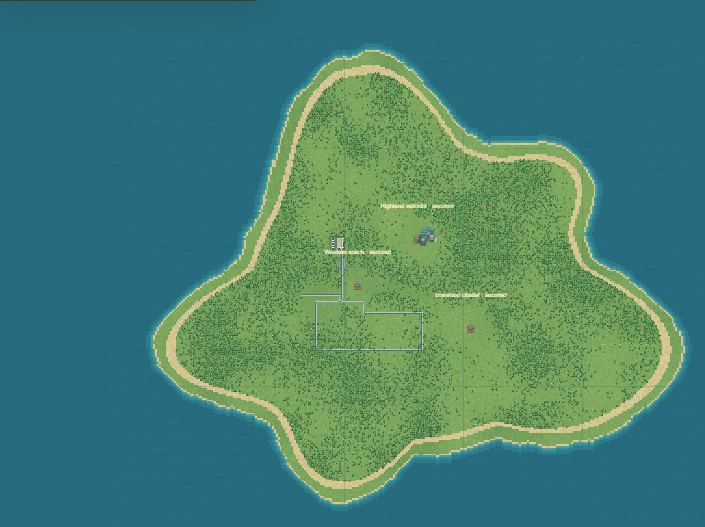
The original hearth. Your first six settlers. The island where your civilization takes root.
Your starting island
Golden forests and copper cliffs make an autumnal home for your growing overseas town.
Settle by sea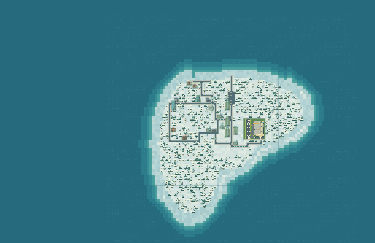
Snowy pines and glacial shores offer another island to connect, plan, and bring to life.
Build a local street networkDistance is part of the journey. Docks unlock in Medieval times, with first voyages taking about five active minutes. Airports arrive in the 1990s and need a connected airport at both ends. Leave room: each airport occupies 8 × 8 tiles.
Your first goal isn’t a skyline. It’s a connected, well-fed settlement with room to grow.
Start in Newhaven on Firstlight. Follow Ember’s introduction and look over your wood, stone, food, and ideas. You can rename your city.
Use Gather supplies for an immediate bundle of wood, stone, and food. Extend paths from your existing settlement before placing buildings.
Place shelters beside connected roads and provide food production. Housing capacity starts working after construction finishes and the home has street access.
Split your population between wood, stone, food, and ideas. Move workers toward whatever is holding you back, and reassess as new citizens arrive.
Add a story circle and complete your chapter’s landmarks. In the Stone Age, work toward 16 people, 60 ideas, and at least 20 active minutes.
Meet every chapter requirement to enter the next era. In Medieval times, build a connected coastal dock and wait for settlers to complete their first crossing.
A foundation for construction. Assign workers and develop timber production to keep building.
Your other core building material. Increase stone workers when your next project needs more.
Feeds your citizens and supports population growth. More homes alone won’t grow your city.
The knowledge needed to advance. Learning buildings and assigned workers help you reach each milestone.
Buildings need a connected local street network. Drag to plan roads, rotate most entrances, and inspect connection status if a building isn’t working. Be careful when demolishing a link: it may disconnect an entire neighborhood.
Demolishing a building returns half of its paid construction materials. Construction takes active time—from 15 seconds for a hide shelter to five minutes for a regional airport.
05 / OPERATION FAR HORIZON
Spend 10 active minutes in 2050 to unlock your expedition to a frontier larger than the three civilian islands combined. Recruit up to 12 units, take the five-minute flight, and lead them into the fog of war.
Capture all three to open Ironwood Reach for city building.
SELECTSelect a unit or drag a selection box
ADD TO SELECTIONShift + select
MOVE / ATTACKRight-click your destination or target
HEARTH TO06 / YOUR NEXT CHAPTER
Get Hearth to Horison for Windows and build a world of your own.
After the download finishes, open Hearth-to-Horizon-Setup-2.0.1.exe from Chrome Downloads (Ctrl + J), then follow setup.
Downloading does not install the app automatically.
Windows installation has not been tested here.
A FEW THINGS TO KNOW
Hearth to Horison is a city-building game that follows one civilization from six settlers in the Stone Age to a futuristic city in 2050. Build across islands, advance through seven eras, and lead the Ironwood expedition.
Check that you have enough food, completed homes, and unused housing capacity connected to the local street network. An overseas town needs its first settlers to finish their voyage before it can grow locally.
Each chapter requires its population milestone, enough ideas, the required landmark buildings, and at least 20 real minutes of active play in that era. All requirements must be met. Raising the simulation speed does not shorten the active-time requirement.
Your city is designed to save between sessions, but leaving or pausing does not run down construction, travel, or era residence timers. Keep a downloadable backup as another way to restore your city.
Yes. Completing the final chapter does not end your city. Keep expanding your islands, redesigning neighborhoods, and developing conquered Ironwood. The expedition also has a practice replay that preserves your established city.
Choose Download app. After the download finishes, open Hearth-to-Horizon-Setup-2.0.1.exe from Chrome Downloads (Ctrl+J), then follow setup. Downloading does not install the app automatically.
Version 2.0.1 runs in its own desktop app window with a bundled browser engine. Your worlds are saved locally on your PC, and the app saves your progress when you close it.
Yes. Choose Restore backup in the app and select a compatible city JSON file. Restoring replaces the selected world, so create a new world first if you want to keep your existing city.